Play with a plan
Less tangled pipes. More working factory.
Connecting several pumps and pulpers? The Demo V42 community layout puts a splitter at every machine's connection to the shared water network. Start with that connection rule, then check supply separately. These guides cover the Steam factory game by FindTheNeedleDev / Hay Passionates.
Find a guide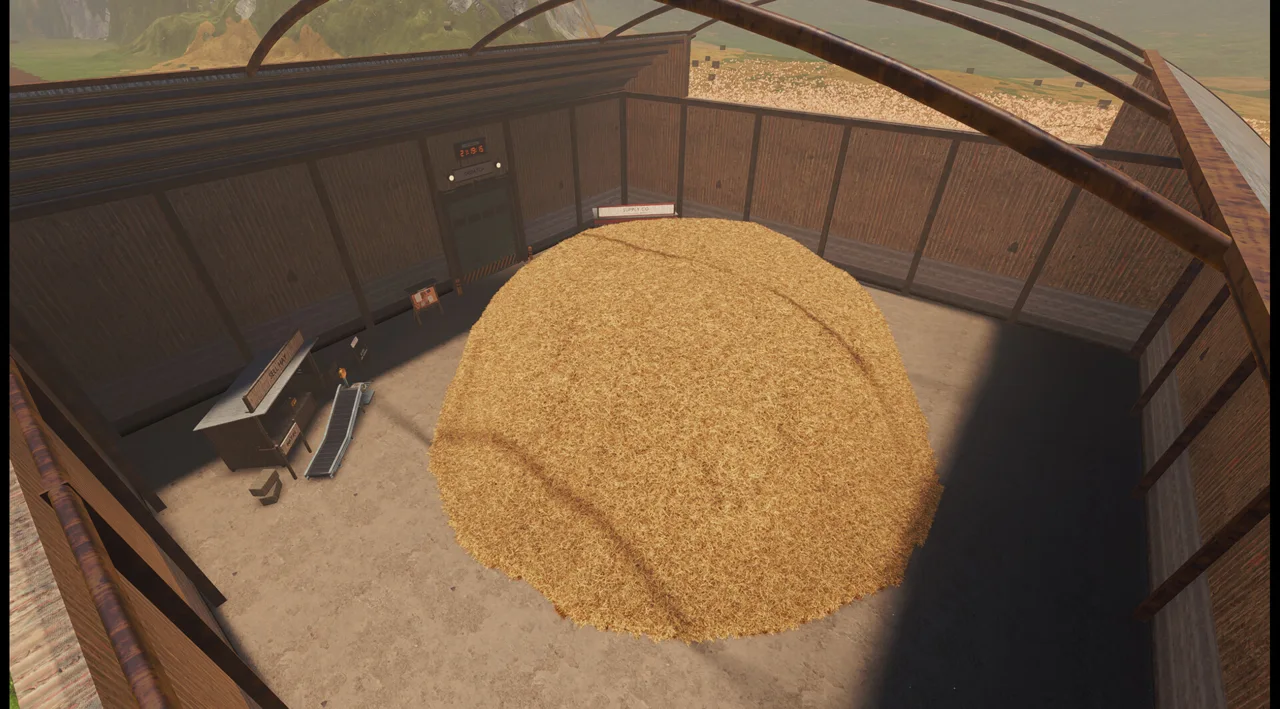
YouTube · factory reorganization
See the factory in motion
SkapeGote's Side Quest rebuilds a Demo factory. The archived gameplay shows V33: use it for context, not as proof of V42 water flow or current controls.
Open the water connection diagram →Find your next guide
What are you working on?
Factory setup
Use the water guide for a shared pipe network, the scanner guide before selling or burning hay, and the belt guide to close an unwanted exit.
- Connect multiple pumps and pulpers to one water networkA Demo V42 connection diagram, machine-port splitter steps, and checks that separate a connected water network from enough supply.
- Place scanners before hay is sold or burnedRoute loose hay through scanners, check every branch, and distinguish needle-loss warnings from unproven recovery claims.
- Stop an unwanted belt exit or splitter outputTwo reported Demo methods: reverse a short end section or close a Smart Splitter output, with checks for bypasses and backed-up input.
- View all factory setup guidesChoose a guide by your current blocker and check its Demo version.
Demo settings
Choose SSE4.2 for the exact CPU error, OpenGL for a reversible graphics test, or Buy upgrades when double-clicking does nothing. The language and timer guides cover the other reported menu blockers.
- Change the Demo back to English on WindowsUse the reported settings.cfg locale value when an unreadable game menu blocks you, while keeping the original file and saves intact.
- Does the Dispatch timer limit a Demo run?The October 5–6 player explanation of the Dispatch clock, its reported reset behavior and what it does not establish about the full game.
- Buy upgrades when double-clicking does nothingUse the right-pane Buy button in the Demo upgrade screen, with the Linux player confirmation and checks for a purchase that still fails.
- Diagnose the SSE4.2 CPU error at Demo startupCheck whether Windows exposes SSE4.2 to the Demo and distinguish a CPU instruction requirement from graphics, language or save problems.
- Try a reversible OpenGL launch test for graphics crashesApply the community-proposed Godot compatibility flags in Steam, test the result and restore your original launch options if they do not help.
- View all demo settings guidesChoose a guide by your current blocker and check its Demo version.
Start with the right game
Steam Demo, not a Roblox needle hunt
The game is Steam app 5160800; its free Demo is app 5165210. The main game remains listed as coming soon, Q4 2026, when checked October 8. A user-defined multiplayer tag does not make co-op an official feature.
Factory layouts depend on your Demo build. V42 is the water-network evidence version, not a claim that it is the latest build. Read the version note before copying a layout.
Read sources and media credits →